Best Practices
How to Build a Simple Downtime Pareto Chart from Your CMMS Data
The practical guide for maintenance managers, planners, and reliability leaders. Learn how to build a powerful downtime Pareto chart using nothing more than your CMMS export and a spreadsheet—no coding, no Power BI, just straight maintenance analysis.
Rhys Heaven-Smith
8 min read
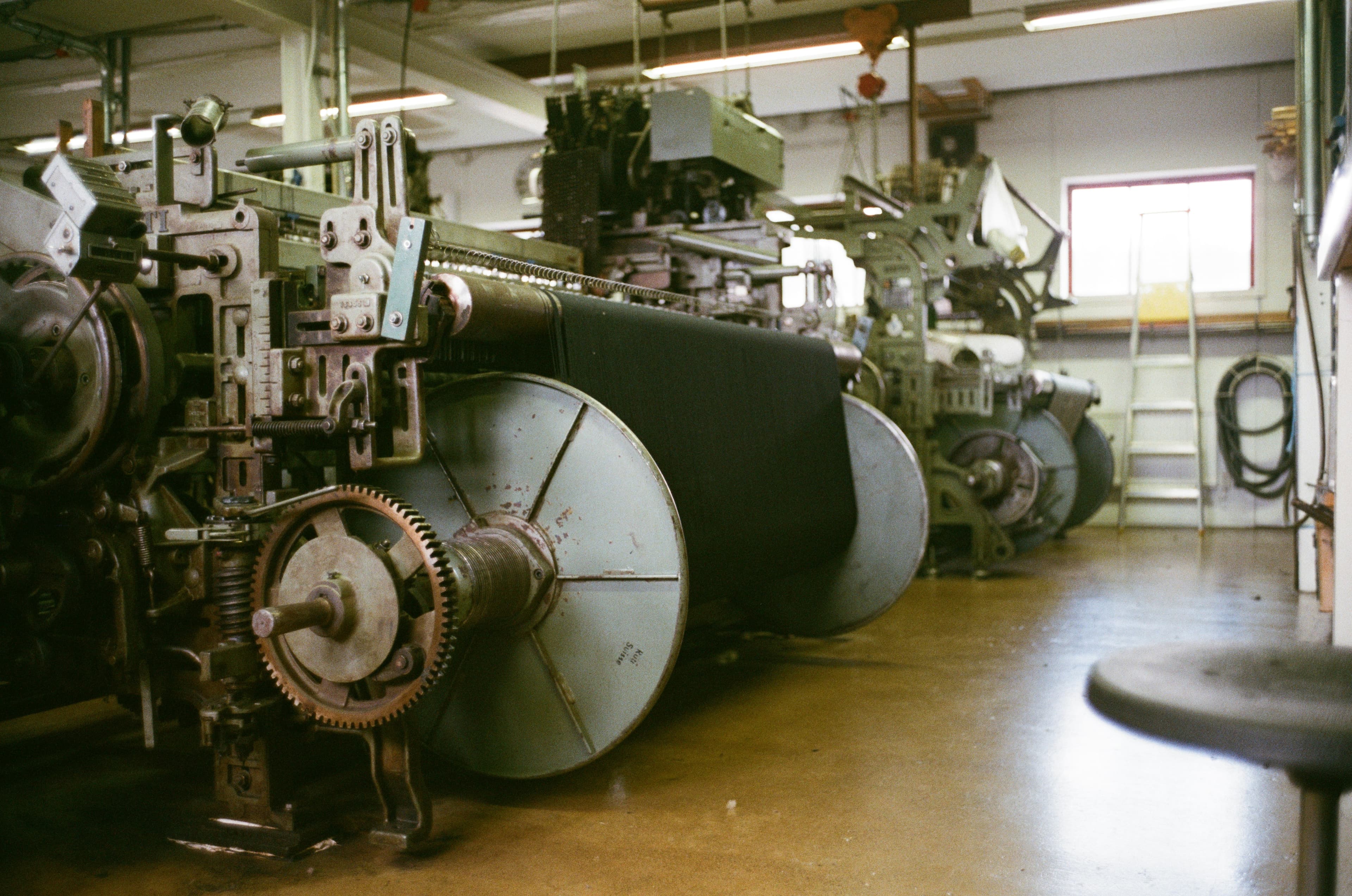
How to Build a Simple Downtime Pareto Chart from Your CMMS Data
Every plant fights downtime. But in most maintenance departments, downtime gets treated like a long list of unrelated events—each one urgent, each one demanding attention.
The truth? Most of your lost time comes from a small number of recurring problems.
A Pareto chart helps you see this clearly. It highlights the "vital few" downtime causes responsible for most of your losses—so you can focus your team, justify resources, and show real improvement.
This guide walks you through exactly how to build a simple downtime Pareto chart using nothing more than your CMMS export and a spreadsheet.
No coding. No Power BI. No fancy analytics systems. Just straight, practical maintenance analysis.
What a Downtime Pareto Chart Actually Shows
A downtime Pareto chart helps you answer one strategic question:
"Which 20% of failures are causing 80% of our downtime?"
It sorts your downtime reasons (or machines) from highest to lowest and shows:
- How much downtime each one caused
- The cumulative percentage of your total downtime
- Where the 80% threshold sits (your "vital few")
Once you see this curve, the picture becomes obvious: a handful of causes (3–7 typically) are responsible for most of your pain.
What You Need From Your CMMS
Almost every CMMS—SAP PM, Maximo, MEX, UpKeep, Maintenance Connection, eMaint—will give you the same core data.
Export the following fields:
- Machine/asset name
- Failure reason / problem code
- Downtime start & end time (or duration)
- Work order type (so you can filter to unplanned)
- Date/time of event
That's it. If you can export your downtime log or unplanned work orders, you can build a Pareto.
Step-by-Step: Build a Simple Downtime Pareto Chart
This process takes 10–20 minutes in Excel or Google Sheets.
Step 1: Clean the data
Filter out:
- Planned downtime
- Administrative work orders
- Duplicate entries
- Obvious incorrect durations (e.g., negative times, 10-day downtime on a mixer, etc.)
Make sure your downtime durations are consistent (minutes or hours).
Step 2: Choose your focus
You can build your chart around:
- Top downtime reasons
- Top failing machines
- Top failure modes
- Top production lines
Most plants start with failure reason or machine.
Step 3: Group events by your chosen category
Example: total downtime per machine.
In Excel/Sheets:
- Create a pivot table
- Rows: Machine
- Values: Sum of downtime duration
- Sort: Largest to smallest
You now have the raw backbone of your Pareto.
Step 4: Calculate the cumulative percentage
Still inside your pivot table:
- Add a column
- Divide the running total by the total downtime
- Format as a percentage
This shows how quickly downtime accumulates across categories.
Step 5: Create the chart
Highlight the grouped downtime table and:
- Insert a bar chart (downtime hours by category)
- Add your cumulative % column as a new series
- Change the cumulative series to a line chart
- Set it on a secondary axis
- Add a horizontal line at 80% (your target threshold)
You now have a clean downtime Pareto chart—the most powerful maintenance prioritisation tool you can use.
How to Interpret the Chart
Once the chart is built, look for three insights:
1. The steepness of the curve
If it rises sharply, you have a very small number of big problems driving most downtime.
If it rises gradually, your issues are more spread out—meaning process issues, inconsistent logging, or general system instability.
2. The "vital few"
These are the machines or failure reasons before the 80% mark. Typically 3–7 items.
These should drive:
- Root cause investigations
- PM strategy adjustments
- Operator training
- Spare parts stocking
- Engineering improvements
- Capital justification
- Asset replacement cases
3. Outliers with huge duration but low frequency
A single long failure can distort totals. These need special attention—a major breakdown often indicates:
- A missing spare
- A skill gap
- Poor design
- Lack of PM coverage
Don't ignore these just because they aren't frequent.
Common Mistakes to Avoid
Most maintenance teams fall into these traps:
1. Treating all downtime reasons as equal
"Motor fault", "bearing issue", "no operator", "blocked line", "unknown", "misc", "other". These categories are useless. Standardise your coding—your future self will thank you.
2. Ignoring data quality
If operators can write anything in the failure field, the chart won't tell you anything meaningful.
3. Focussing on frequency instead of duration
10 small stoppages (3 minutes each) do not equal one 3-hour breakdown.
4. Not updating the chart regularly
A Pareto is a living tool. Update monthly or quarterly to see if your improvement work is making a dent.
Real-World Example
Imagine a tissue plant exporting 12 months of downtime events. When charted:
Three failure reasons account for 74% of downtime:
- Web breaks
- Bearing failures on the unwind stand
- Pneumatic faults
The maintenance manager now has a laser-focused improvement plan:
- Review tension control settings
- Replace suspect bearings with higher-spec units
- Audit air supply and regulators on the affected line
Instead of chasing 50 random events, the team tackles the top three. Six months later, downtime drops 28%.
This is the power of a Pareto.
Quick Checklist (Copy & Use)
Before you start:
- Select a time period (3–12 months)
- Export downtime logs from your CMMS
- Clean planned work & bad data
Analyse:
- Group by machine or failure reason
- Sort highest to lowest downtime
- Calculate cumulative %
- Build bar + line combo chart
Action:
- Identify your top 3–7 downtime drivers
- Assign root cause owners
- Set measurable targets
- Track monthly and update the chart
How LeanReport Can Help
Everything in this guide is achievable with Excel—but it takes time and discipline.
Most maintenance teams don't have spare hours every week to:
- Export and clean messy CMMS data
- Build pivot tables and cumulative percentage formulas
- Create and format Pareto charts by hand
- Re-do the analysis every month to track progress
LeanReport was built to make this process automatic:
- Upload your CMMS downtime export as a CSV
- LeanReport cleans, normalises, and structures the data
- You get ready-made downtime Pareto charts within minutes
- Filter by asset, line, cause, and timeframe instantly
Instead of spending Friday afternoon wrestling with spreadsheets, you can spend it reducing downtime.
If you want to see what this looks like with your own data, upload a sample CSV or visit our How It Works page to learn more. Ready to start? Check out our pricing and begin your free trial today.
Pareto AnalysisDowntime AnalysisCMMSLean ManufacturingData AnalysisMaintenance KPIs
Frequently Asked Questions
What is a downtime Pareto chart and why is it useful?
A downtime Pareto chart is a visual tool that ranks your downtime causes or assets from highest to lowest impact, showing cumulative percentage. It reveals the "vital few" problems (typically 3–7 items) causing 80% of your downtime, so you can focus improvement efforts where they matter most.
How often should I update my downtime Pareto chart?
Update your Pareto chart monthly or quarterly to track whether your improvement actions are working. A living Pareto chart helps you see trends, validate corrective measures, and identify new emerging problems before they become major issues.
Do I need special software to build a Pareto chart?
No. You can build a basic Pareto chart using Excel or Google Sheets with a pivot table, cumulative percentage formula, and a combo bar/line chart. However, tools like LeanReport automate the entire process, saving hours of manual work each month.
What if my CMMS downtime data is messy or incomplete?
Start by cleaning the obvious issues: remove duplicates, filter out planned work, fix incorrect durations, and standardise asset names. You don't need perfect data—just clean enough to trust the top results. Work with your team to improve downtime coding standards going forward.
Should I focus on downtime frequency or duration?
Focus on total downtime duration (frequency × average duration) to find the biggest losses. A single 3-hour breakdown has far more impact than 10 small 3-minute stops. The Pareto chart naturally highlights high-impact problems by sorting on total lost time.
What should I do after identifying the vital few downtime causes?
Run root cause analysis (5 Whys, fishbone diagrams) with technicians and operators to understand why these problems occur. Then create a focused action plan with specific countermeasures, owners, and deadlines. Track progress by updating your Pareto chart monthly to see if downtime is decreasing.
About the Author

Rhys Heaven-Smith
Founder - LeanReport.io
Rhys is the founder of LeanReport.io with a unique background spanning marine engineering (10 years with the Royal New Zealand Navy), mechanical engineering in process and manufacturing in Auckland, New Zealand, and now software engineering as a full stack developer. He specializes in helping maintenance teams leverage AI and machine learning to transform their CMMS data into actionable insights.
Related Articles
Best Practices
How Mobile Changes Maintenance Reporting on the Shop Floor
Mobile technology is reshaping how maintenance teams capture, report and act on data right where the work happens. Learn how mobile reporting drives faster response, better accuracy and stronger decisions.
8 min read
Best Practices
Setting Up an Annual Maintenance Report: Templates, KPIs and Structure
Learn how to build a strategic annual maintenance report with clear templates, meaningful KPIs and consistent structure that drives reliability and supports decision-making.
10 min read
Best Practices
Continuous Improvement for Maintenance: A Practical Data-Driven Framework
Learn a practical, data-driven continuous improvement framework for maintenance teams to reduce downtime and boost reliability using CMMS data.
9 min read